| |
How do I train it?
| |
|
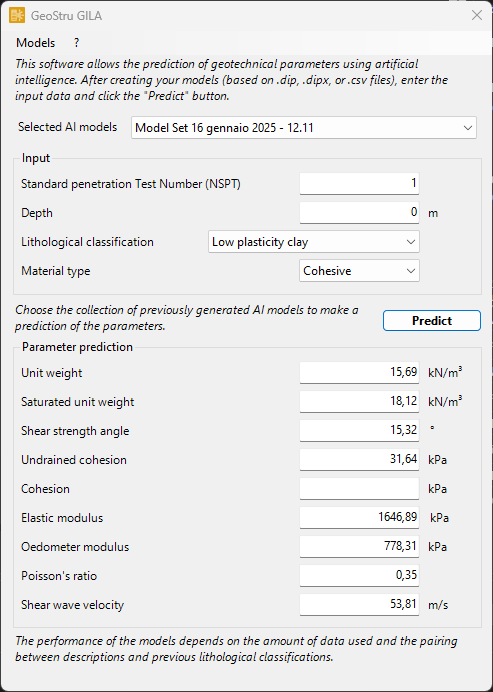
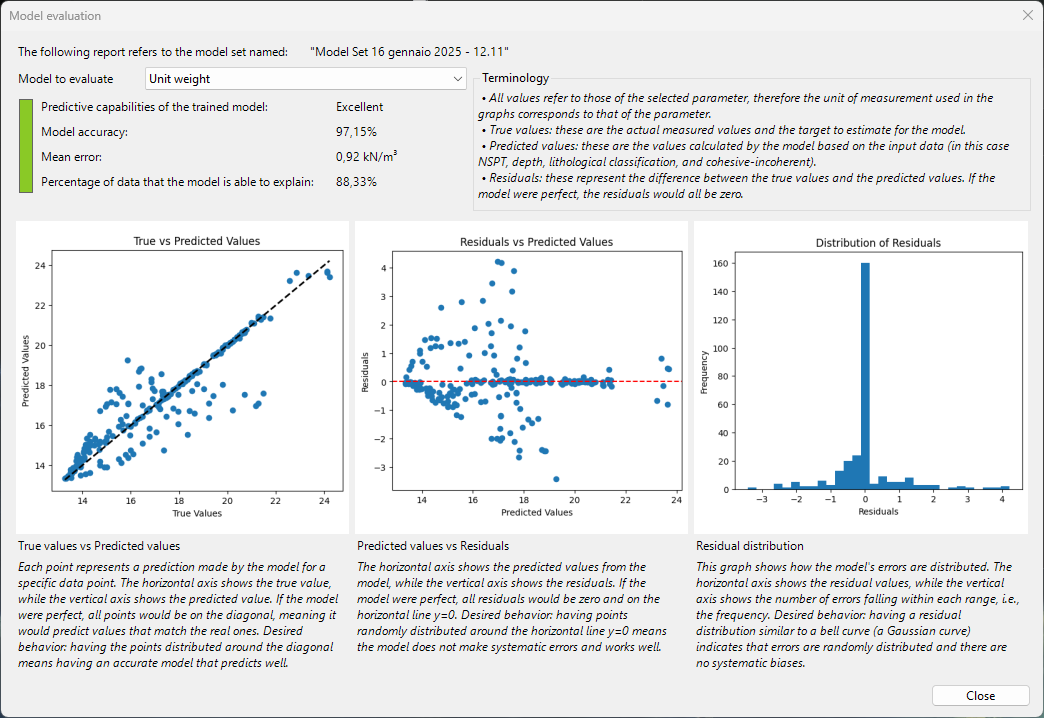
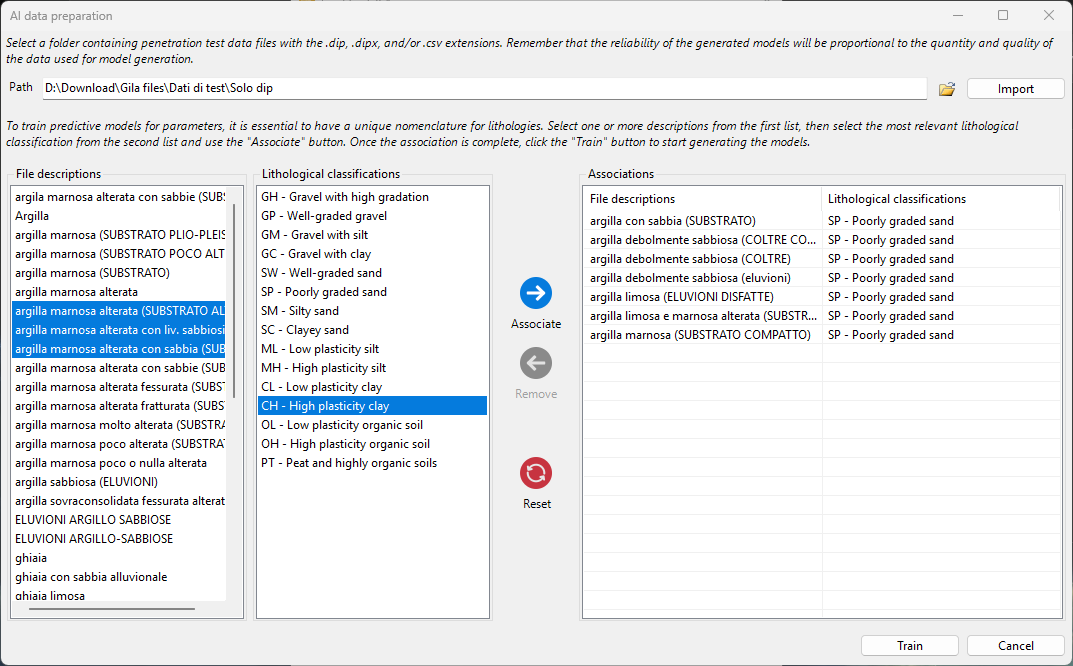
Training GILA is incredibly easy. All you need to do is upload your files related to penetration tests into a designated folder, or alternatively, one or more properly formatted CSV files (refer to the Help section for guidance). Within the tool, select the folder to import your data. Once the data has been imported, you just need to match the layer descriptions, found in the files, with a lithological classification. After that, simply press "Train," and you’re good to go!
|
|